
Searching Cases by Name
Just One Look is Alabama's paid, on-demand trial-court service. It is the official remote starting point for Circuit Court and District Court records. Name searching works, just less precisely than searching by case number. Bring enough identifying facts to separate people with similar names. Then confirm Mobile County, the court division, the full case number, the style, and the filing date. A matching name alone never proves you have the right person or matter. Mobile County posts no free anonymous countywide search that replaces the state service. Heavy users can weigh an Alacourt subscription instead. One-time searchers can buy a single case on demand. The basic sequence:
- Identify Circuit, District, Municipal, or Probate Court from the notice or filing.
- Open the official trial-court record service for a Circuit or District case.
- Enter the most complete name available and select Mobile County when prompted.
- Compare the division, case style, filing date, and status before opening details.
- Read the newest event and setting, then contact the owning clerk if an image is missing.
Mobile County Case Search On Demand
Just One Look sells one case at a time. It can reveal permitted details and images. Though what you see depends on the record category and its public visibility. It is not AlaFile. And paying will not turn a restricted image into a public document. The official Just One Look source shows the search product behind Mobile County trial records.
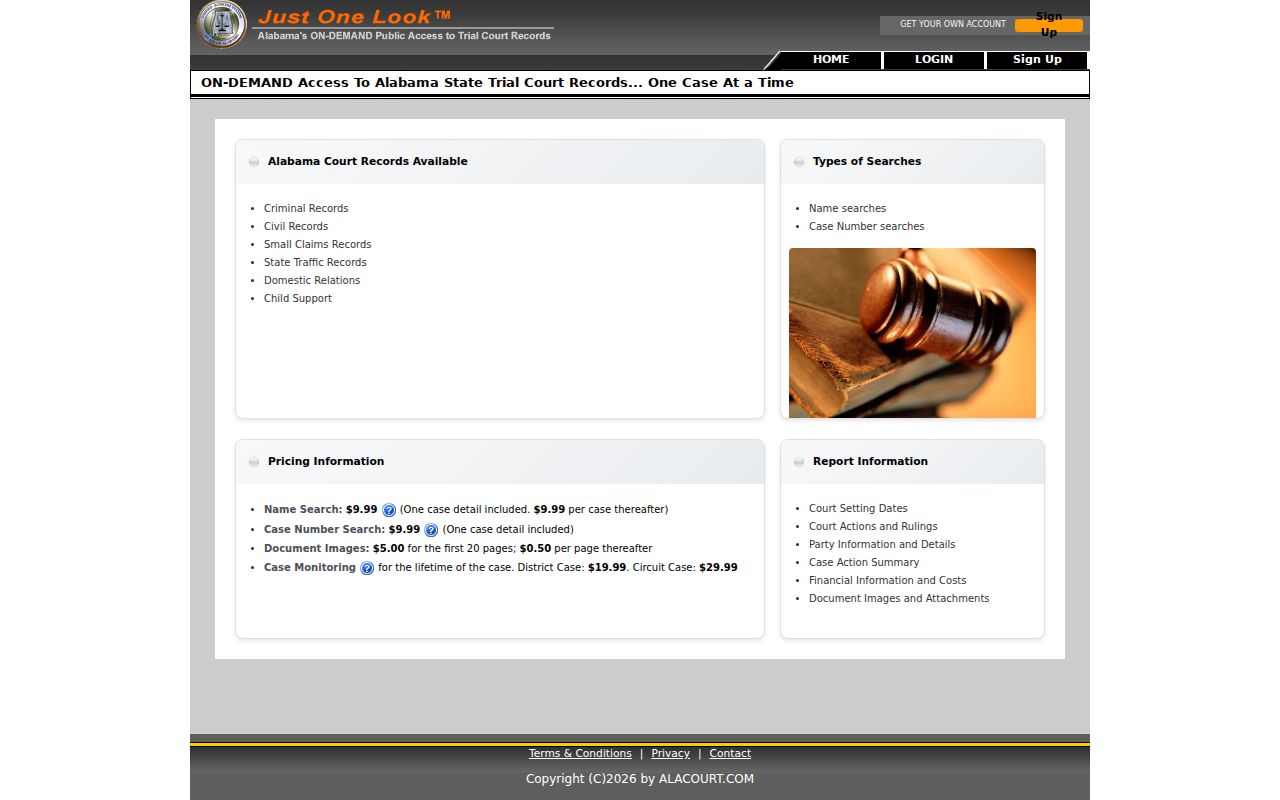
That screen is the practical entry point for a focused Mobile County case lookup. It covers Circuit and District matters.
Searching by Case Number
A full case number beats a name every time. Alabama identifiers fold county and court information into a filing year, a case-type prefix, and a sequence. A Mobile County record may show a code like CC-2026-000123 in the public detail view. Though the exact screen format controls. Enter each segment the way the portal asks. Keep leading zeros. First, decode the case type. CC commonly means Circuit Criminal. CV Circuit Civil, DC District Civil, SM Small Claims, TR traffic, DR Domestic Relations, and JU juvenile. Confirm the division printed on the result, because a code can carry a system-specific meaning. A felony may leave an earlier District record and a later Circuit record. Those linked stages can carry different numbers.
Mobile County Case Number Workflow
The statewide filing workflow asks registered users for a county, a division, a year, and a sequence. Those same parts serve public research well. They tell you which clerk unit owns the case and keep a search from drifting into another Alabama county.
| Search Part | Control | Use | Mobile County Note |
|---|---|---|---|
| County | Dropdown | Required | Select Mobile |
| Division | Dropdown | Required | Match the case-type code |
| Year | Field or dropdown | Required | Use the four-digit filing year |
| Case number | Text | Required | Enter the sequence shown on the notice |
Missing a segment? Call the proper division instead of guessing. Circuit Civil is 251-574-8420, Circuit Criminal is 251-574-8430, District Civil and Small Claims is 251-574-8525, District Criminal is 251-574-8511, Domestic Relations is 251-574-8441, and the Youth Center is 251-574-1450.
What a Case Search Returns
A public Mobile County case-details record opens with a header. From there it typically lists parties and counsel. It also lists dated filings or events, settings, disposition, and financial entries where applicable. A linked image is the filed document behind an entry. Treat the event index and the image as separate products. An event can stay visible even when its document is not available remotely.
| Case header | Mobile County, full number, division, style, filing date, status, and assigned judge. |
|---|---|
| Parties | Names with plaintiff, defendant, petitioner, respondent, or other role labels. |
| Chronology | Filing or event date, description, court action, and image indicator where public. |
| Settings | Date, setting type, judge, and courtroom when entered, including later resets. |
| Outcome | Judgment, sentence, dismissal, disposition, or appeal activity as applicable. |
| Financial data | Fees, costs, fines, payments, or balances depending on the division. |
Read the chronology through the newest entry. An old hearing date can linger as history after a continuance, so the current written order or notice always controls over an earlier listing.
Mobile County Case Search and AlaFile
Alabama runs its court filings through AlaFile, a single portal for lawyers, self-represented people, and businesses filing on their own. It handles electronic filing and service. It is not, however, an open public docket anyone can browse for free. Two other tools sit behind the same wall. AlaCourtPlus serves clerks and judges. AlaVault stores imaged court documents.
The official AlaFile login shows the account screen that gates every session.
That login screen separates filing access from a public Mobile County case search through Just One Look. Alabama mandated attorney AlaFile registration through an administrative order dated April 12, 2011. The AOC electronic filing overview identifies AlaFile, Alacourt, Just One Look, and AlaCourtPlus as different parts of one record stack.
Statewide vs County Case Search
Mobile County runs Circuit and District cases on the statewide record platform. So the real comparison is not between two duplicate public databases. It is statewide remote access versus direct help from the county clerk division. Remote access suits visible case details and permitted images. The clerk is the one to see for inspection. The clerk also handles missing documents, certified copies, and procedural questions about access.
| Official Route | Coverage | Best Use |
|---|---|---|
| Just One Look | Paid, on-demand Alabama trial-court cases | A known Mobile County Circuit or District case |
| Alacourt.com | Subscription read-only case details and images | Recurring trial-court research |
| Mobile County Circuit Clerk | Local Circuit and District divisions | Inspection, copy requests, certification, and missing items |
| Municipal or Probate clerk | That separate court's matters | City citations or probate files |
Sometimes a search returns only an index. When you need the filed document itself, the broader Mobile County court records process takes over.
Mobile County Case Search Subscriptions
Frequent users can buy a subscription at Alacourt.com, which offers read-only access to trial-court records and public document images statewide. Someone checking many Mobile County cases may prefer it. That plan can beat paying one case at a time. Note that neither method carries the clerk's official stamp. Only the Mobile County Circuit Clerk can certify a record.
The official Alacourt source lays out the subscription route.
The service is statewide. Even so, check each result for Mobile County, the right division, and the exact case style.
Access and Restricted Cases
An empty search result is not the last word on a Mobile County docket. Several kinds of matters stay out of public view. These include juvenile cases, youthful-offender cases, adoptions, some mental-health and protective proceedings, grand-jury material, and anything a judge has sealed. These files may show few details or none at all. A confidential case can still move through AlaFile. Its details and images just stay off Alacourt.
Alabama changed its Court-Record Privacy and Confidentiality Rules on January 1, 2025. Rule 401 lets anyone view electronic dockets and filed records for District and Circuit actions at no charge. That access runs in the clerk's office during regular hours, within the access limits. Rule 301 spells out what a judge must find before sealing a file. Want restricted material? Ask the division that holds it. Ask what identification, party status, authorization, or court order it needs.
Missing Mobile County Case Search Results
Think about which tribunal holds the case. Do not give up on a Mobile County docket search too soon. A city citation belongs to the municipal clerk. Even so, the Municipal Court sits in Government Plaza right beside the state courts. Probate matters live with the Mobile County Probate Court. Federal cases show up in PACER, never in Just One Look. A state felony may also leave two records behind. One comes from the District stage, and a later one comes from Circuit.
No public hit: Confirm spelling, county, division, year, and case type, then call the clerk that owns the file before concluding that no record exists.
Juvenile records run on a different track. The Mobile County juvenile forms page offers a record request and notes that mailed forms require photo identification. This route serves authorized parties, not the general public.
Mobile County Case Search Technology
The state's record tools make more sense when each one has a single job. AlaFile takes in filings and service. AlaCourtPlus backs up court staff, while AlaVault stores the scanned images. Just One Look and Alacourt surface the trial-court details. The images go to the public or to paying subscribers. The Alabama electronic filing systems page lays out each product's role.
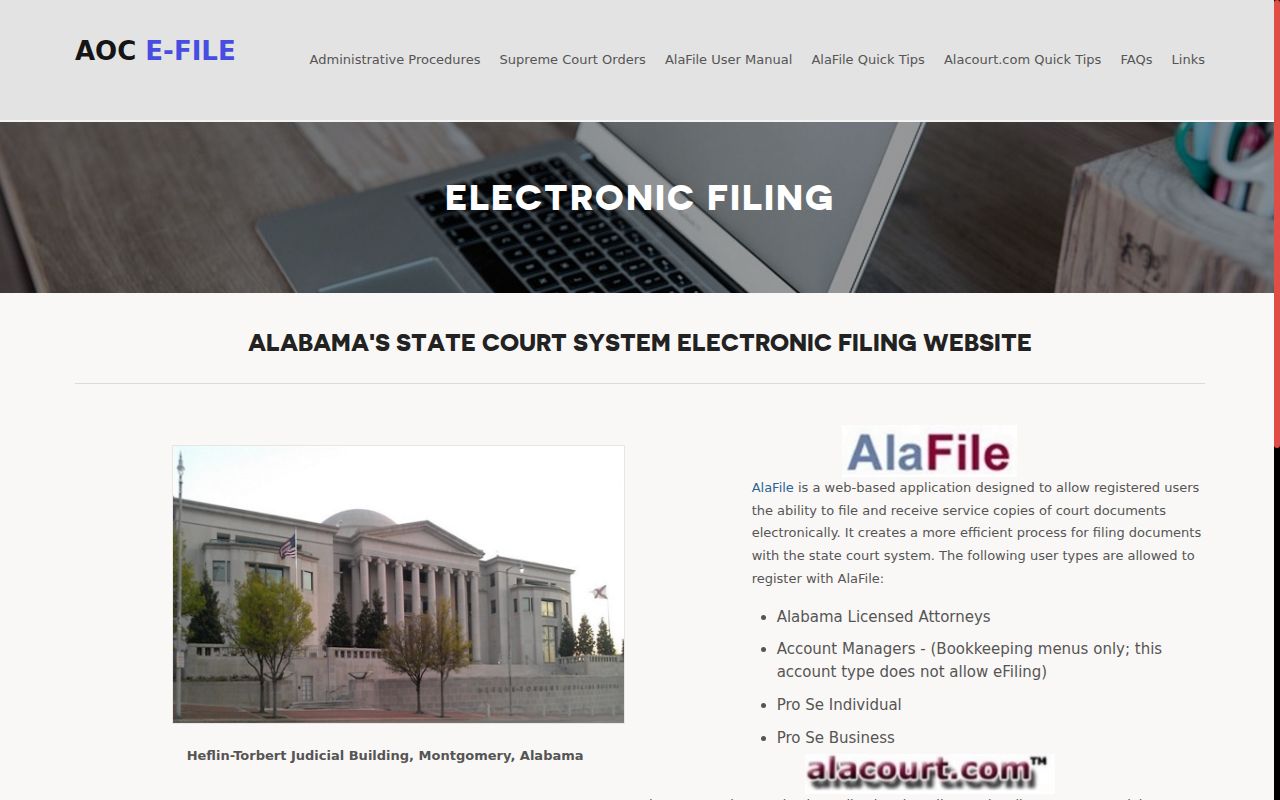
That map answers a common puzzle. Holding an AlaFile account does not by itself open every Mobile County document to public view.
Mobile County Case Search Terms
The labels on a Mobile County case-detail screen point to different parts of the court record. Treat them as synonyms and you can draw the wrong conclusion, especially in a case with old settings or more than one charge row.
- Case style
- The abbreviated party names that identify the matter.
- Docket entry
- A dated notation of a filing, order, notice, or proceeding.
- Setting
- A scheduled court event, which may later be reset or continued.
- Disposition
- The system summary of how a case or count concluded.
- Certified copy
- A clerk-authenticated copy, not merely a portal printout.
Read every label against its event date and division. A disposed status does not describe each count, and a past setting does not set the next court date.
Mobile County Case Search Access Roles
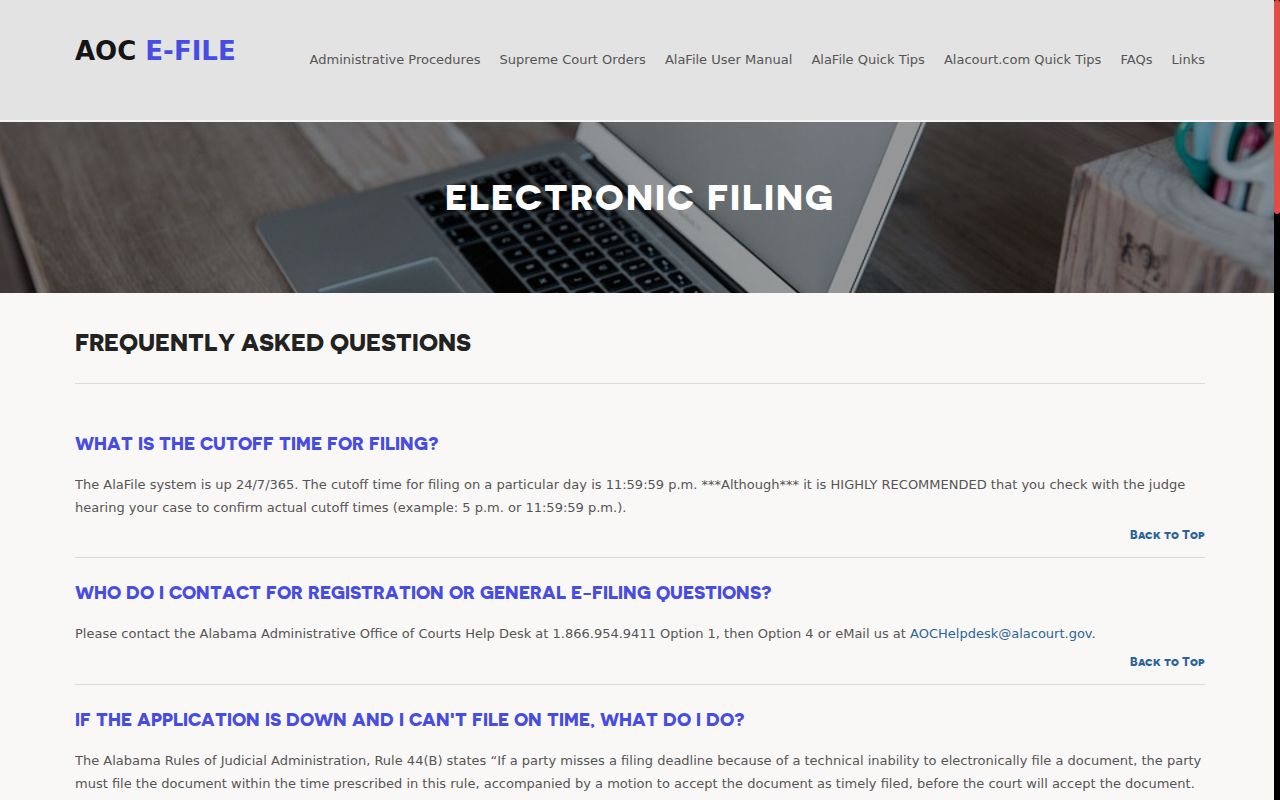
Filing users and record users sit in different seats. A registered filer can submit documents and receive service through AlaFile. Public users get permitted case details from the record products, or they can inspect eligible District and Circuit records through the clerk. Account managers hold bookkeeping access, not a general public case-search privilege. The official electronic filing instructions cover registration, case access, and confidential filing rules.
The point of all this is simple: filing a Mobile County case and searching its public case-details record are two different acts.